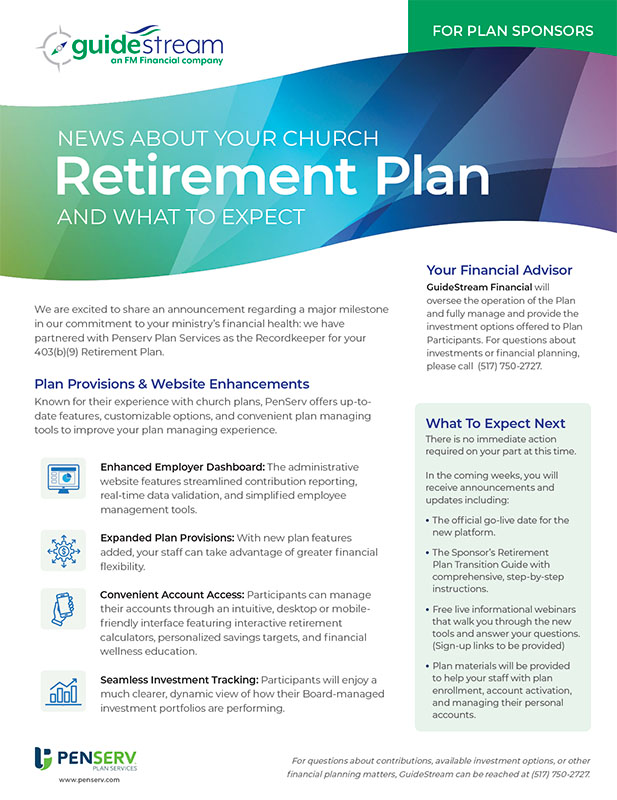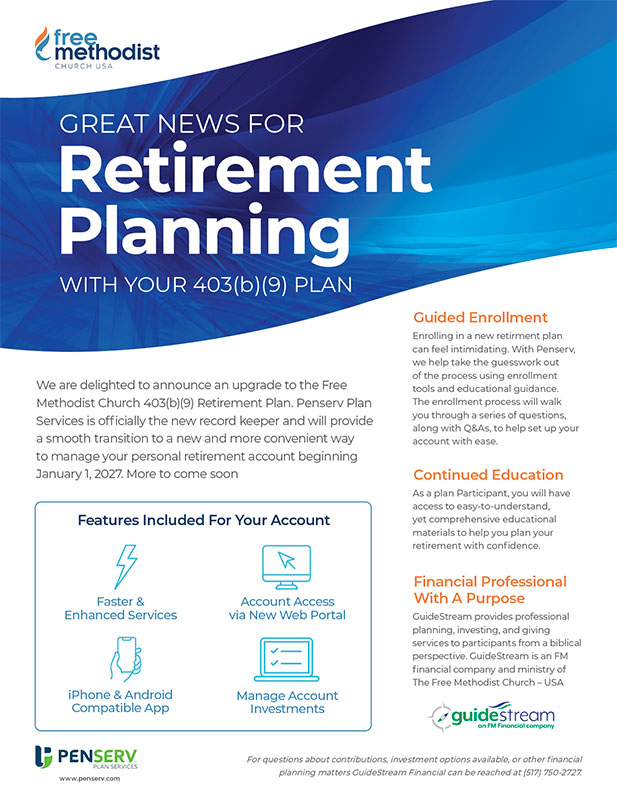
Welcome to the Retirement Plan for Methodist Church USA 403(b)(9). Here's the first steps you will take setting up your church's retirement plan before onboarding employees.
Your church will complete a Plan Adoption Agreement that define the plan's operation rules.
Complete all the implementation forms in the Plan Setup Guide and return to Penserv.
Your church will determine how non-elective and matching contributions will be applied.
The Sponsor's Plan Resource page is designed to help you implement the retirement benefits program. The following are the first steps for setting up your retirement plan before onboarding employees.
Here's an overview of the administrative forms and their purposes. These forms are located in the Retirement Plan Setup Guide. Return the original completed forms to Penserv Plan Services for processing.
Document outlining the items needed to add the Employer to the Plan and generate a new Participation Agreement.
The specific provisions adopted by the Plan Sponsor are described in the Adoption Agreement. This includes eligibility to participate, methods for applying contributions to participants and benefits to be paid when an employee becomes eligible to receive a distribution from the Plan.
This is the information required to enter initial employee data to the Plan database. When an employee enrolls in the Plan, this information will be displayed to the user during the enrollment process.
This will provide information on those individuals authorized to view and/or modify confidential employee data displayed on the Plan web portal. A separate login must be established for each individual with this access.
The information provided in this document will be used to extract contributions from the designated bank account each time a contribution file is submitted to the Plan.
Click on the materials you are interested in or may need to manage your plan.
Contact Penserv Plan Services with any questions concerning plan setup and onboarding.
Call (803) 354-5068
Contact GuideStream Financial with any questions concerning investment elections offer.
Call (517) 750-2727